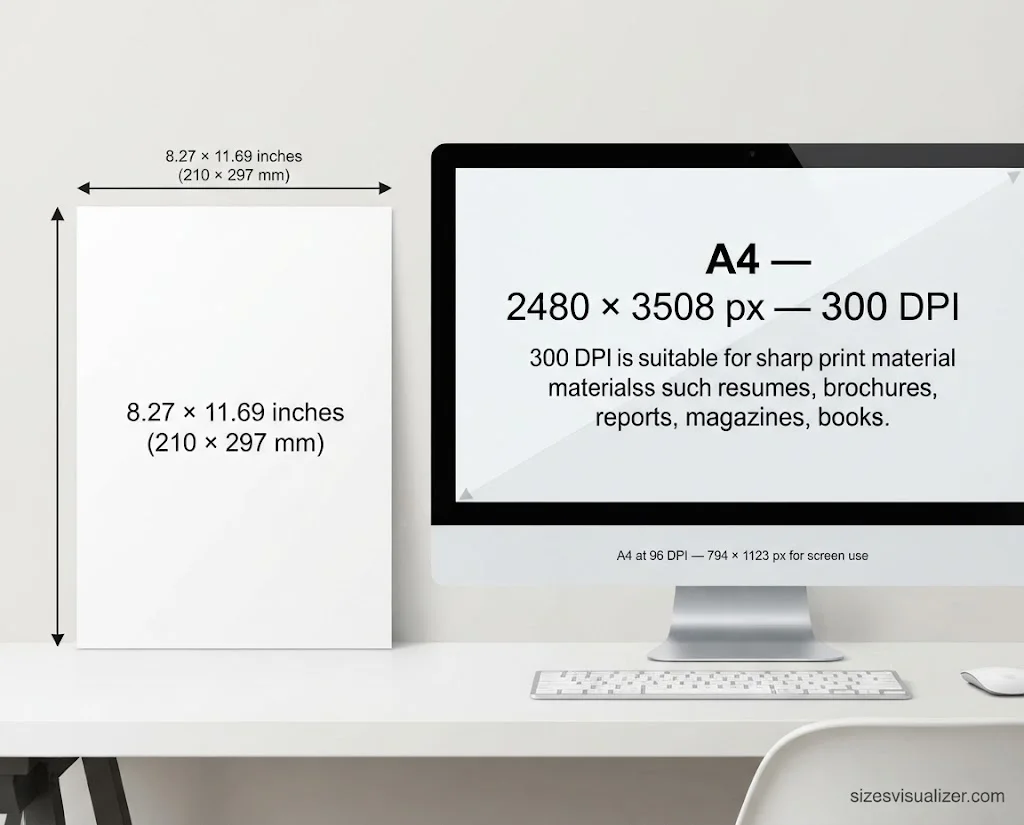
A4 size in pixels is 2480 × 3508 px at 300 DPI. That is the standard for sharp print files such as resumes, brochures and reports.
The pixel count changes with resolution. This guide gives you the A4 pixel size at every common DPI, compares it with US Letter, and shows how to set it up in Photoshop, Canva and Word.
Table of Contents
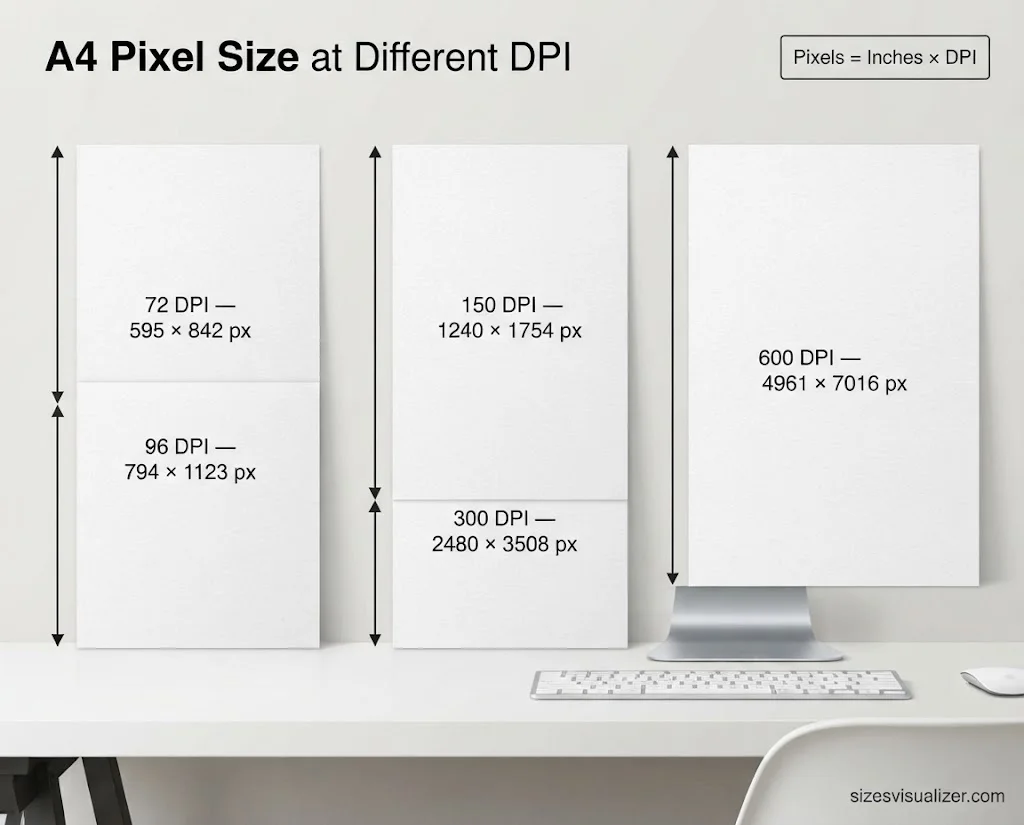
A4 Size in Pixels at 72, 96, 150, 300 and 600 DPI
Use this formula: pixels = inches × DPI. A4 is 8.27 × 11.69 in, so at 300 DPI: 8.27 × 300 = 2480 px, and 11.69 × 300 = 3508 px.
| Resolution | A4 Size in Pixels | Best For |
|---|---|---|
| 72 PPI | 595 × 842 px | PDF page size, basic screen use |
| 96 PPI | 794 × 1123 px | Web pages, CSS, Word on screen |
| 150 PPI | 1240 × 1754 px | Flyers, posters, draft prints |
| 300 PPI | 2480 × 3508 px | Brochures, magazines, resumes, books |
| 600 PPI | 4961 × 7016 px | Fine detail, line art, scans |
What is the best DPI for A4 print? Choose 300 DPI for anything read up close. It is the usual standard for offset printing. For large pieces seen from a distance, 150 DPI is enough.
Is PPI the same as DPI? Not exactly. PPI counts pixels per inch on a screen or image. DPI counts ink dots per inch on paper. Most people use them as one thing.
Here is the A-series pixel size at 300 DPI, in case you need a nearby size:
- A3: 3508 × 4961 px
- A5: 1748 × 2480 px
- A6: 1240 × 1748 px
A4 Dimensions in Inches, mm and cm (and Why A4 Has This Size)
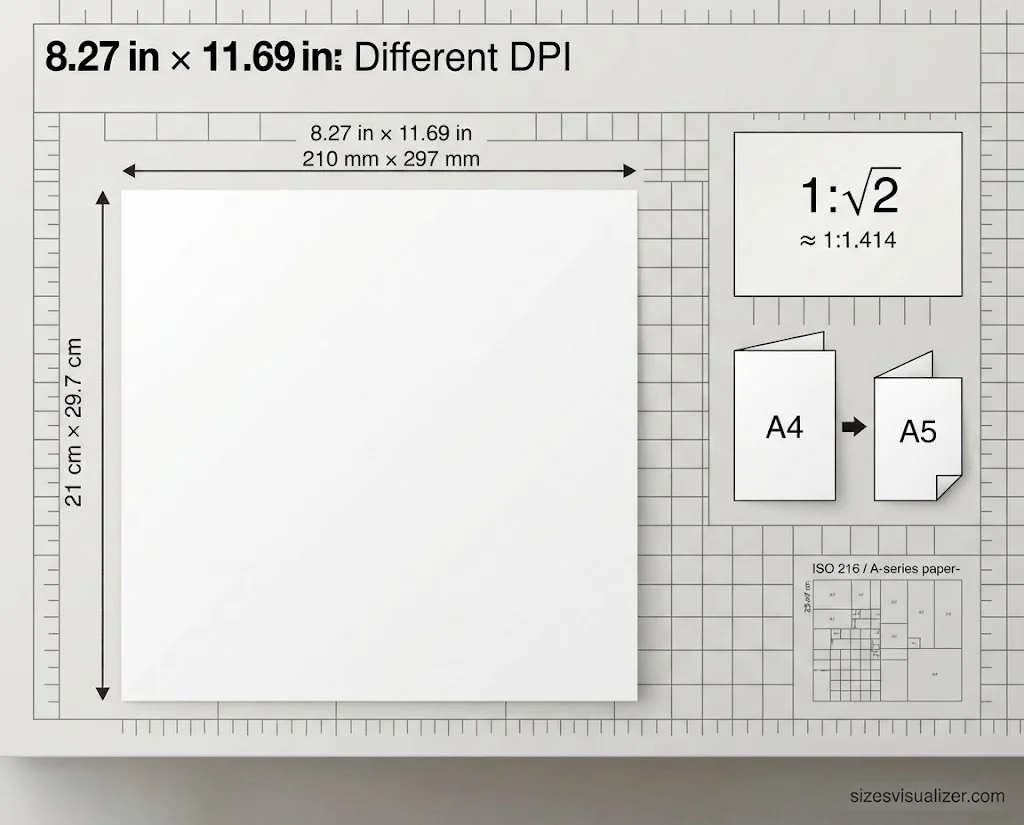
The trick is the √2 aspect ratio (1:1.414). Every half keeps the same shape as the full sheet. So a page can scale up or down without cropping or distortion. It is also why a photocopier can enlarge A4 to A3 with no wasted space.
The idea is old. German scientist Georg Christoph Lichtenberg described it in 1786. Walter Porstmann and the German standards body (DIN) turned it into DIN 476 in 1922. That later became ISO 216. You can read more in the paper size overview.
People use it for letterhead, reports, menus, calendars, notepads, flyers and magazines. Envelopes match too. A C4 envelope holds A4 flat. A DL envelope holds A4 folded in three.
A4 vs US Letter Size in Pixels
Most US readers use US Letter, not A4. The two sizes are close, but they are not the same. Details on Letter are here.
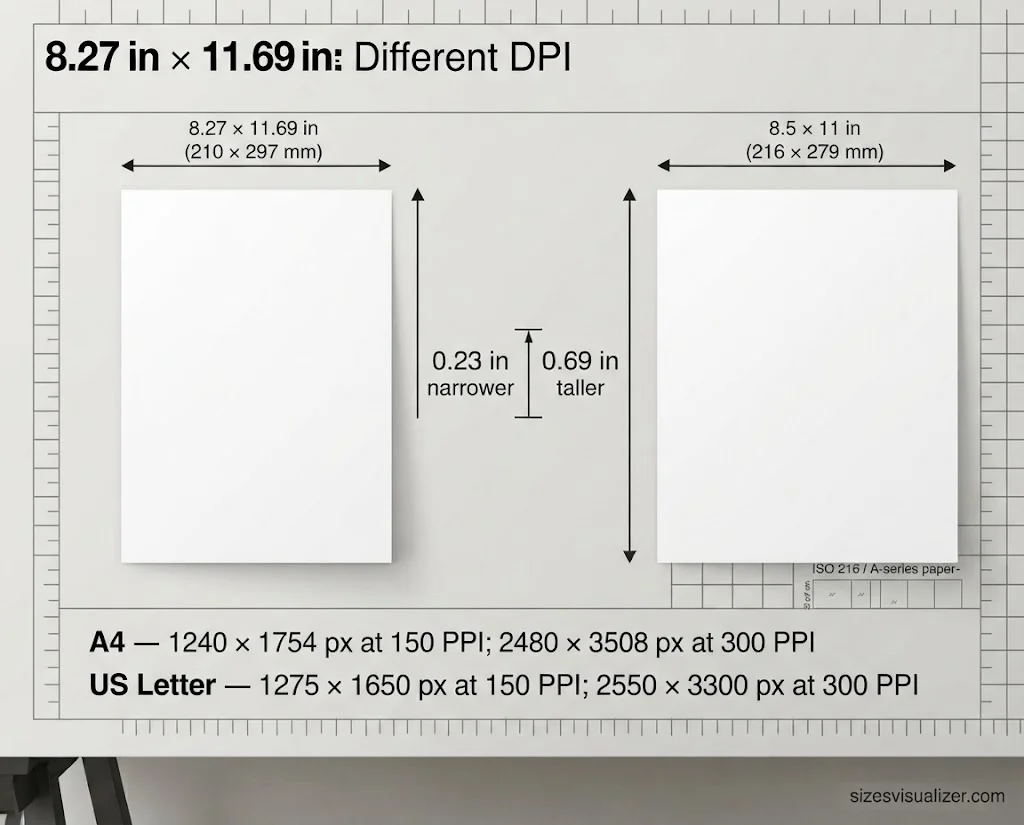
| Feature | A4 | US Letter |
|---|---|---|
| Inches | 8.27 × 11.69 in | 8.5 × 11 in |
| Millimeters | 210 × 297 mm | 216 × 279 mm |
| 150 PPI | 1240 × 1754 px | 1275 × 1650 px |
| 300 PPI | 2480 × 3508 px | 2550 × 3300 px |
A4 is about 0.23 in narrower and 0.69 in taller than Letter. This matters in real life:
- Applying abroad: Resumes for UK, European or Asian employers often use A4.
- Printing an A4 file on Letter paper: The printer shrinks the page, or it cuts off the top and bottom.
- Printing Letter on A4: You get extra white space on the sides, and the content may run tight at the bottom.
Tip: Set the size before you design. Resizing later can shift your layout.
Must Visit: 8 Dimensions of Wellness: A Complete Guide to a Healthier, More Balanced Life
How to Set the A4 Pixel Size in Photoshop, Canva and Word
Photoshop or InDesign
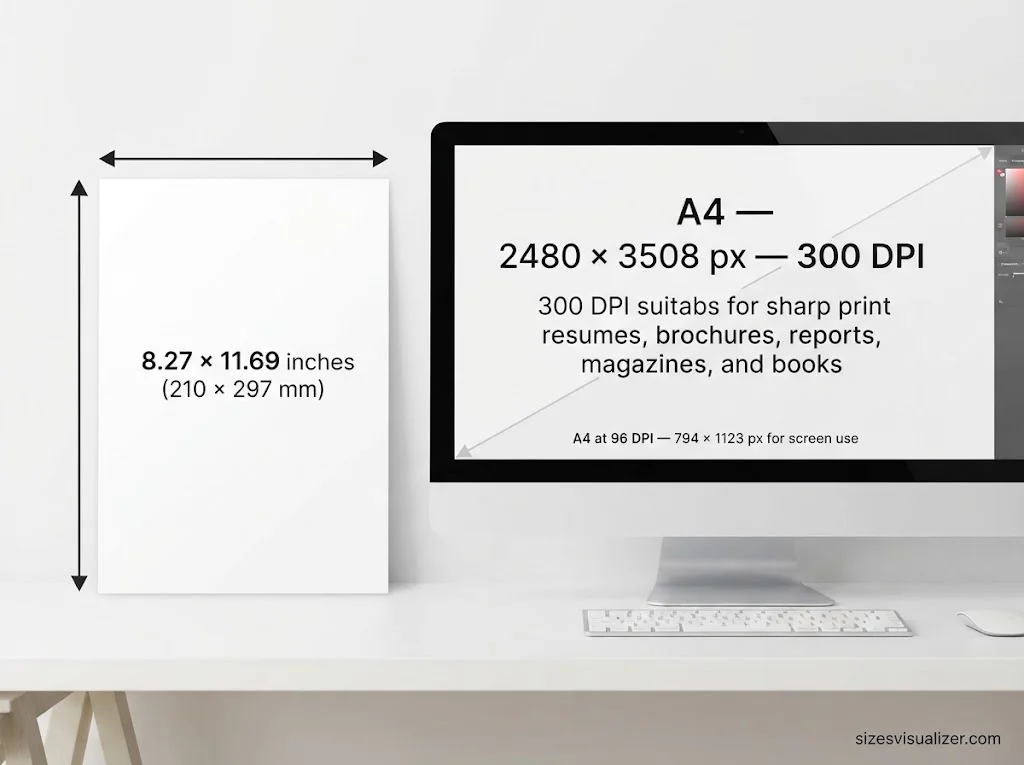
Go to File > New. Pick an A4 preset, or type 2480 × 3508 px. Set the resolution to 300 pixels/inch.
Canva
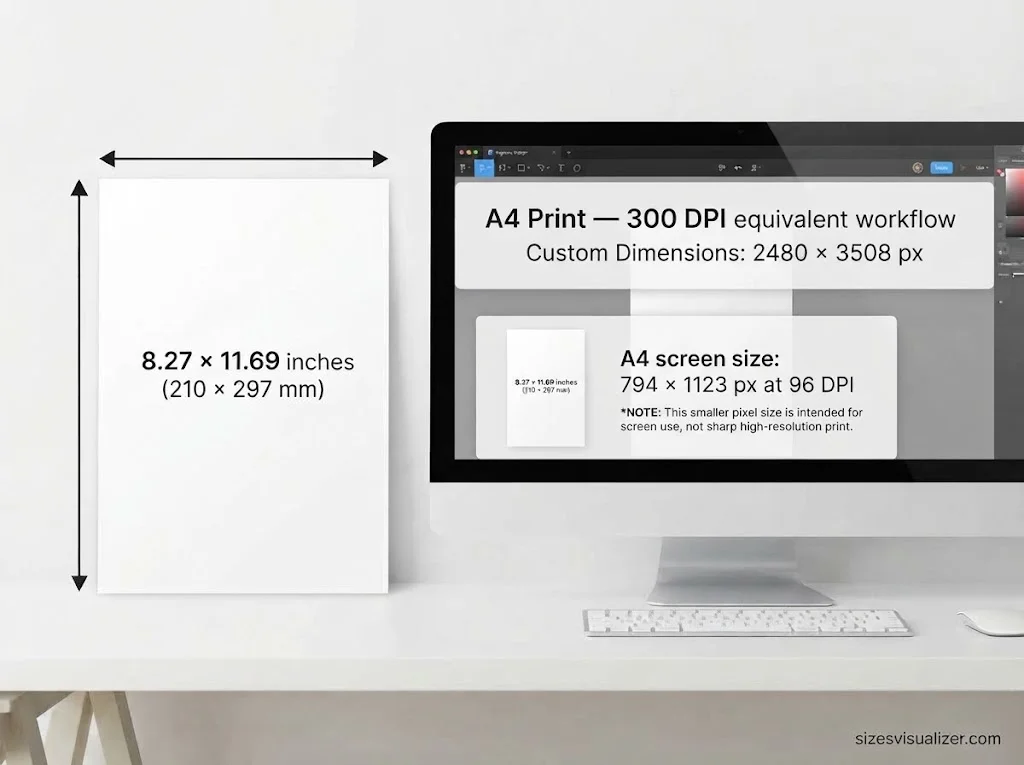
Choose Custom Size and enter 2480 × 3508 px for print. Canva’s A4 document preset opens at screen size (794 × 1123 px). That is too small for sharp print.
Word or Google Docs
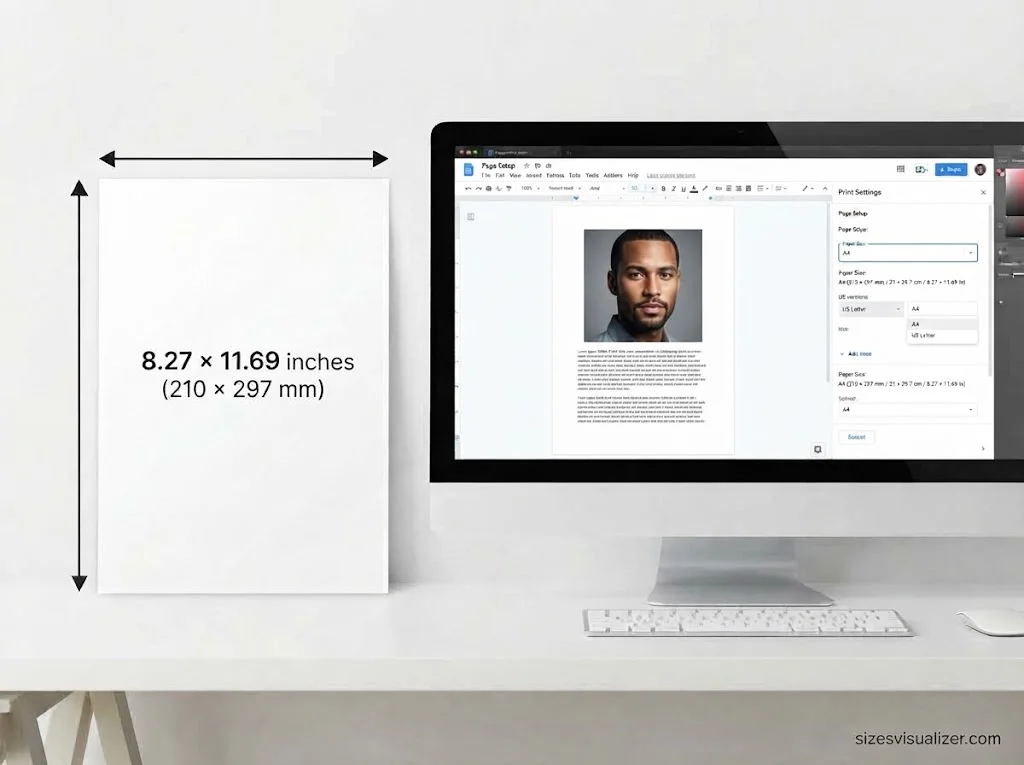
US versions default to Letter. In Word, go to Layout > Size > A4. In Google Docs, go to File > Page setup > Paper size.
Web and CSS
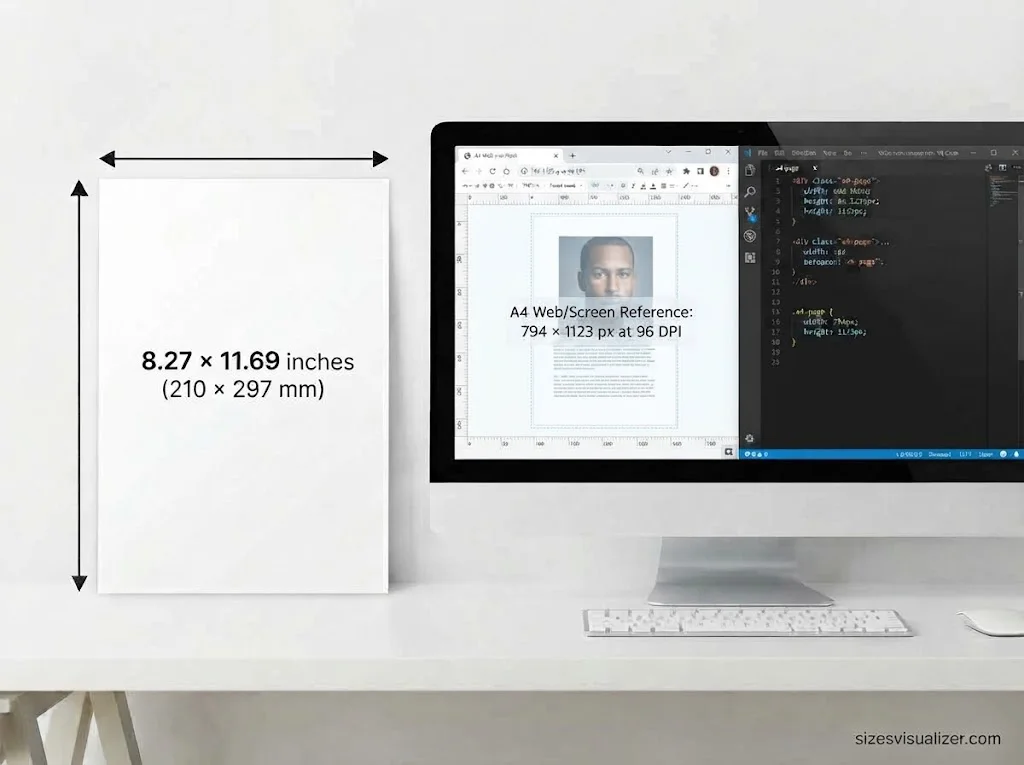
Developers use 794 × 1123 px (96 DPI) for printable A4 pages.
Three more tips:
- Add bleed: With a 3 mm bleed, A4 becomes 216 × 303 mm, or 2551 × 3579 px at 300 DPI.
- Never upscale a small image: Stretching a 72 DPI image to 300 DPI makes it blurry. Start with a large file.
- Export the right format: Use PDF for print. It keeps text and vector shapes sharp. Use PNG or JPG for screens.
FAQs
What are the dimensions of A4?
A4 is 210 × 297 mm, 21 × 29.7 cm, or 8.27 × 11.69 in. In pixels, it is 2480 × 3508 px at 300 DPI.
Why is A4 that size?
ISO 216 sets it. Each size is half of the one before, and all sizes keep a 1:√2 ratio. A4 is A0 cut in half four times.
How does A4 size look like?
It is a tall, slim rectangle, a bit narrower and taller than US Letter. It matches standard printer paper in most countries.
Is A4 paper 4×3?
No. A4 has a ratio of about 1:1.414. The 4:3 ratio is 1:1.333. The “4” in A4 only shows how many times A0 was cut in half.
Is A4 size 8×12?
No. A4 is 8.27 × 11.69 in. An 8 × 12 in sheet is not a standard size. It is 0.27 in narrower and 0.31 in taller.
Conclusion
A4 size in pixels is 2480 × 3508 px at 300 DPI for print, and 794 × 1123 px at 96 DPI for screens. Pick the DPI first, check your paper size, and add bleed if needed. Your files will print sharp every time.

Measurement Researcher, Size Comparison Writer & Content Specialist
Timmy Ahad is a dedicated content writer and research specialist at SizesVisualizer.com, where he focuses on creating accurate, easy-to-understand content about measurements, dimensions, size comparisons, and real-world object visualization.